
WordPress vs Headless WordPress: Which One Should You Choose?
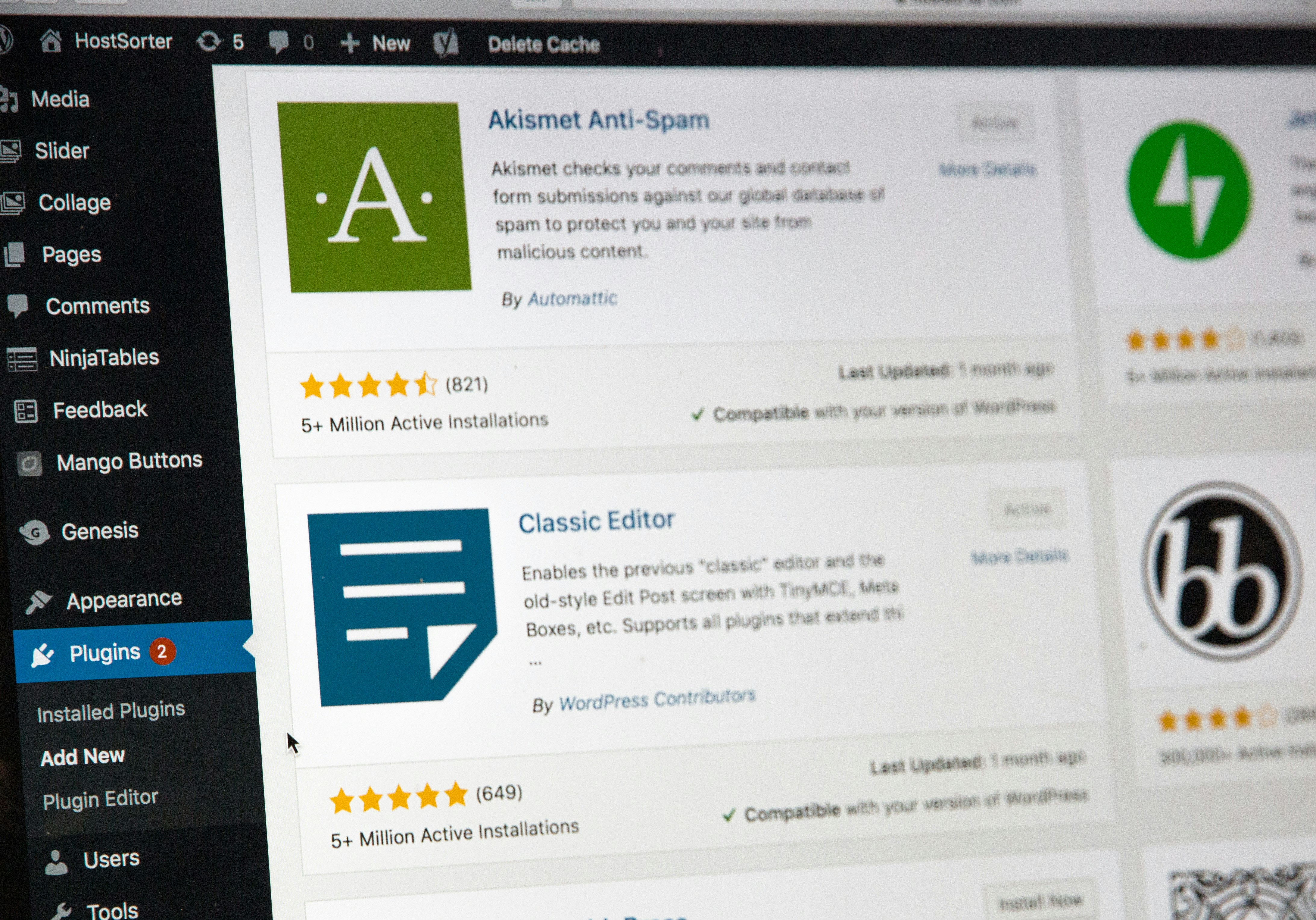
WordPress is the most popular content management system (CMS) in the world, powering over 40% of all websites. Its popularity comes from being easy to use, flexible, and supported by a massive community.
As modern web development has evolved, a new approach has become increasingly popular: Headless WordPress. Instead of using WordPress to manage both content and the website itself, developers separate the content management system from the frontend, allowing greater flexibility and performance.
So, which approach is right for your project?
The answer depends on your goals, budget, and technical requirements.
What Is Traditional WordPress?
Traditional WordPress is an all-in-one platform where the backend and frontend work together. You create content, manage media, install plugins, customize themes, and publish pages from the same system.
When someone visits your website, WordPress generates the page and delivers it directly to the visitor.
This approach is ideal for:
- Blogs
- Business websites
- Portfolio websites
- Online stores with WooCommerce
- Small and medium-sized businesses
- Anyone without advanced programming knowledge
One of the biggest reasons WordPress became so popular is that you can build an entire website without writing much code.
What Is Headless WordPress?
Headless WordPress separates content management from the website visitors actually see.
WordPress is only responsible for storing and managing content. Instead of rendering web pages, it exposes that content through APIs such as the WordPress REST API or GraphQL. A separate frontend application, often built with React, Next.js, Vue, or Angular, retrieves the content and displays it.
This architecture allows developers to publish the same content across multiple platforms, including websites, mobile applications, smart TVs, kiosks, and other connected devices.
Headless WordPress is commonly used for:
- Enterprise websites
- SaaS applications
- Mobile apps
- High-traffic platforms
- Multi-channel content delivery
- Custom web applications
Advantages of Traditional WordPress
Easy to Learn
One of WordPress’s greatest strengths is its simplicity. Editors and business owners can publish articles, update pages, and manage media without needing technical knowledge.
Huge Plugin Ecosystem
WordPress offers thousands of plugins that can add new functionality in just a few clicks.
Some popular examples include:
- WooCommerce
- Rank Math
- Yoast SEO
- Elementor
- WPForms
Whether you need SEO tools, contact forms, analytics, or backups, there’s usually a plugin available.
Thousands of Themes
Professional-looking websites can be built using free or premium themes, allowing businesses to launch quickly without hiring designers or frontend developers.
Strong Community Support
Since millions of websites run on WordPress, finding tutorials, documentation, videos, and developers is rarely difficult.
This also means WordPress receives regular updates and long-term support.
Lower Development Costs
Traditional WordPress projects are generally faster to build and maintain, making them a cost-effective solution for many businesses.
Advantages of Headless WordPress
Better Performance
Modern frontend frameworks can generate pages much faster than traditional WordPress, resulting in improved loading times and better Core Web Vitals.
This can also contribute to better search engine rankings.
Complete Frontend Flexibility
Developers are no longer limited by WordPress themes.
Instead, they can build completely custom user interfaces using technologies such as:
- React
- Next.js
- Vue
- Angular
- Svelte
Content for Multiple Platforms
A single WordPress installation can provide content for several platforms simultaneously.
For example, one article could appear on:
- A website
- An Android app
- An iPhone app
- A digital kiosk
- A smart TV application
Improved Security
Since visitors don’t directly interact with the WordPress frontend, many common attack vectors become less accessible.
While no website is completely secure, reducing public exposure can improve overall security.
Better Scalability
Headless architecture is well suited for growing businesses and enterprise applications where performance and flexibility are essential.
Disadvantages of Traditional WordPress
Performance Can Suffer
Installing too many plugins or using poorly optimized themes can negatively affect loading speed.
Choosing quality hosting and limiting unnecessary plugins becomes increasingly important as a website grows.
Plugin Dependency
Many advanced features depend on third-party plugins.
This can lead to:
- Compatibility issues
- Security vulnerabilities
- Maintenance challenges
- Conflicts after updates
Less Frontend Freedom
Although WordPress is highly customizable, developers still work within the limitations of its theme architecture.
Creating highly interactive applications is often easier with modern JavaScript frameworks.
Disadvantages of Headless WordPress
More Complex Setup
Building a headless application requires knowledge of APIs, frontend frameworks, hosting, and deployment.
For non-developers, the learning curve is significantly steeper.
Higher Costs
A headless project often involves two separate applications:
- WordPress backend
- Frontend application
This usually requires more development time and a larger budget.
More Maintenance
Updates, deployments, monitoring, and troubleshooting must often be performed separately for both systems.
This adds complexity compared to a traditional WordPress installation.
Plugin Compatibility
Many WordPress plugins expect WordPress to generate the frontend.
Features such as visual page builders, widgets, or shortcode-based plugins may require custom implementations or may not work at all.
WordPress vs Headless WordPress
| Feature | Traditional WordPress | Headless WordPress |
|---|---|---|
| Ease of use | Excellent | Moderate |
| Performance | Good | Excellent |
| Development speed | Fast | Moderate |
| SEO | Excellent | Excellent |
| Scalability | Good | Excellent |
| Flexibility | Good | Excellent |
| Security | Good | Very Good |
| Maintenance | Simple | More Complex |
| Development cost | Lower | Higher |
Which One Should You Choose?
Traditional WordPress is usually the best option if you want to build a blog, company website, portfolio, or online store quickly and with minimal technical complexity.
Headless WordPress makes more sense when your project requires high performance, advanced frontend customization, multiple digital channels, or enterprise-level scalability.
For most small and medium-sized websites, traditional WordPress remains the most practical solution. For larger applications where user experience, speed, and flexibility are top priorities, Headless WordPress offers significant advantages.
Conclusion
Both Traditional WordPress and Headless WordPress have their place in modern web development.
Traditional WordPress remains one of the easiest and most cost-effective ways to build and manage a website. Its extensive ecosystem of themes, plugins, and community support makes it an excellent choice for the majority of projects.
Headless WordPress, on the other hand, provides greater flexibility, better scalability, and the ability to deliver content across multiple platforms using modern frontend technologies.
Before choosing one approach over the other, consider your budget, technical expertise, long-term maintenance requirements, and the overall goals of your project.
You may also enjoy these related guides:
- Best Website Builders
https://nextworktools.com/best-website-builders/ - Best AI Tools for Developers
https://nextworktools.com/best-ai-tools-for-developers/ - Best AI Tools for SEO
https://nextworktools.com/best-ai-tools-for-seo/ - Best AI Tools for Productivity
https://nextworktools.com/best-ai-tools-for-productivity/ - The Ultimate Guide to Choosing Digital Tools for Modern Work
https://nextworktools.com/the-ultimate-guide-to-choosing-digital-tools-for-modern-work/
Official Resources
If you’d like to learn more directly from the official documentation, these are the best places to start:
- WordPress: https://wordpress.org/
- WordPress Developer Documentation: https://developer.wordpress.org/
- WordPress REST API: https://developer.wordpress.org/rest-api/
- WPGraphQL: https://www.wpgraphql.com/
- React: https://react.dev/
- Next.js: https://nextjs.org/
- Vue.js: https://vuejs.org/
- Angular: https://angular.dev/
- WooCommerce: https://woocommerce.com/
- Core Web Vitals: https://web.dev/core-web-vitals/
- Google Search Central (SEO): https://developers.google.com/search
- MDN Web Docs (JavaScript & Web APIs): https://developer.mozilla.org/