
Best Notion Alternatives for Workflows in 2026
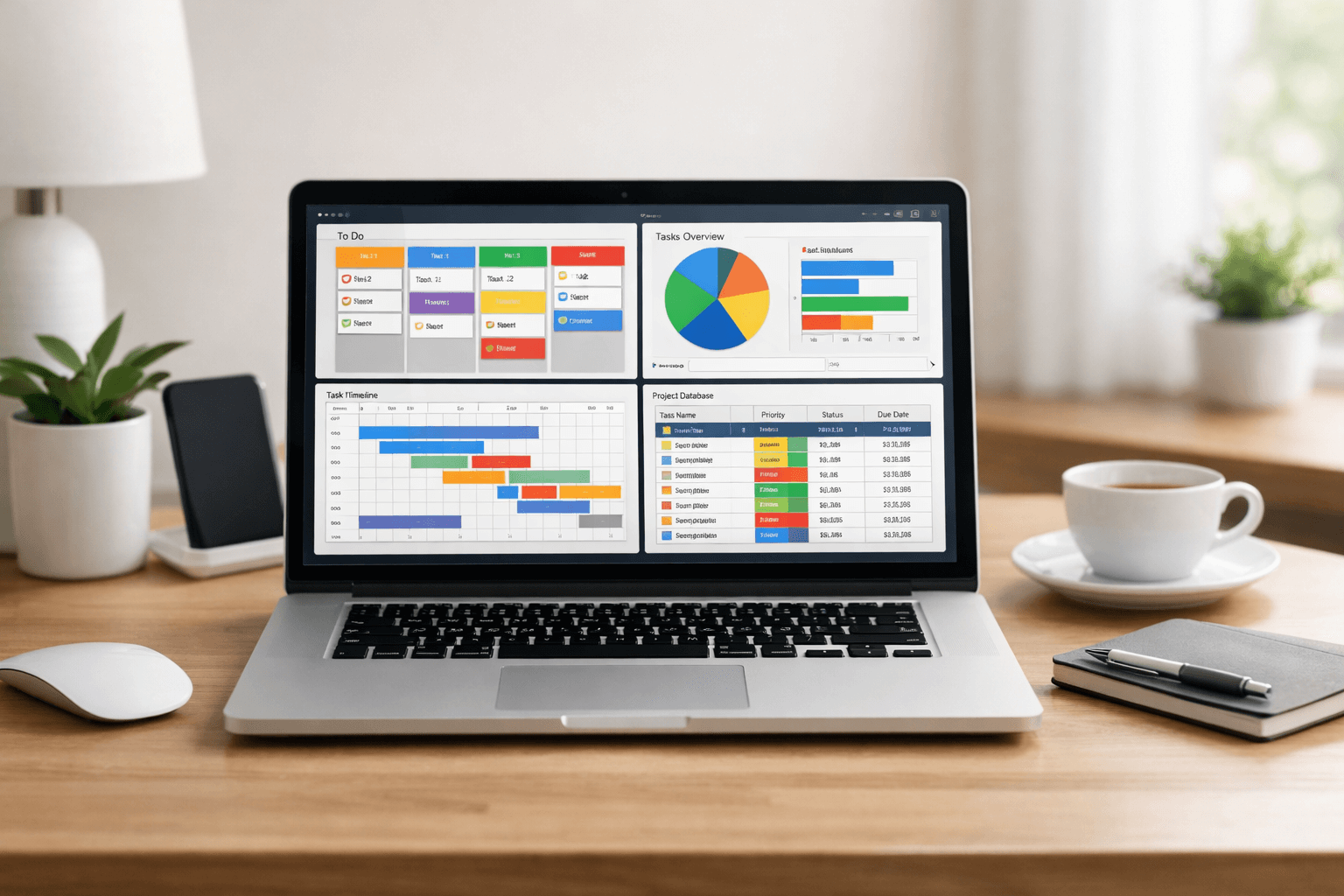
Notion has become one of the most popular tools for managing tasks, documentation, and collaborative workflows. However, it is not the perfect fit for every team or project. Some users need stronger automation. Others want better performance with large databases, improved offline support, or more structured task management.
If you are building systems for product teams, content pipelines, client work, or personal productivity, this guide covers the best Notion alternatives for workflows in 2026. Each tool is evaluated based on automation, collaboration, scalability, and workflow customization.
Why Look for a Notion Alternative?
Before choosing a tool, it helps to clarify why you are switching. Common reasons include:
- Slow performance with large databases
- Limited automation compared to dedicated workflow tools
- Complex permission management
- Limited native reporting
- Need for stronger task management structure
If your workflow depends on heavy automation, advanced reporting, or structured project tracking, some alternatives may serve you better.
1. ClickUp
Best for: All in one workflow management with strong automation
ClickUp positions itself as a complete productivity platform. It combines tasks, docs, goals, dashboards, and time tracking in one environment.
Key Features
- Advanced workflow automation
- Custom task statuses and fields
- Gantt charts and timeline views
- Built in dashboards and reporting
- Native time tracking
Why It’s a Strong Alternative
ClickUp offers more structured project management than Notion. If you manage multiple clients or cross functional teams, its automation engine and reporting capabilities are significantly stronger.
However, the interface can feel dense for new users.
2. Asana
Best for: Structured team workflows
Asana is focused on task management and team coordination. Unlike Notion, it does not try to be a flexible database tool. Instead, it excels at structured work execution.
Key Features
- Task dependencies
- Workflow rules and automation
- Portfolio level reporting
- Workload management
Why Choose Asana
If your workflow involves deadlines, cross team coordination, and recurring processes, Asana provides clarity and accountability. It is particularly strong for marketing, operations, and product teams.
It is less flexible for wiki style documentation.
3. Trello
Best for: Visual Kanban workflows
Trello is simple and visual. It is built around boards, lists, and cards.
Key Features
- Drag and drop Kanban boards
- Automation with Butler
- Power Ups for integrations
- Easy collaboration
When Trello Works Better Than Notion
If your workflow is primarily Kanban based and you want simplicity, Trello is often faster and easier to adopt than Notion.
It is less suitable for complex databases or advanced reporting.
4. Airtable
Best for: Database driven workflows
Airtable combines spreadsheet simplicity with relational database power. For teams that use Notion mainly as a database, Airtable is often a major upgrade.
Key Features
- Relational database structure
- Automations and scripting
- Advanced filtering and views
- App integrations
Why Airtable Stands Out
If you are managing content calendars, CRM pipelines, inventory systems, or multi step approval flows, Airtable offers more precision and scalability than Notion.
It requires more setup time and planning.
5. Monday.com
Best for: Visual workflow management at scale
Monday.com focuses on customizable boards and workflow tracking. It works well for structured business processes.
Key Features
- Custom workflow templates
- Automation recipes
- Dashboard reporting
- Team workload tracking
Ideal Use Case
If your organization relies on standardized processes, Monday.com provides clarity and visual progress tracking. It works particularly well for agencies and operations teams.
6. Coda
Best for: Flexible documents with stronger logic
Coda is conceptually closer to Notion but includes deeper logic and formula capabilities.
Key Features
- Advanced formulas
- Interactive buttons and controls
- Custom workflow automations
- Integrations with external tools
Why Consider Coda
If you like Notion’s flexibility but need more dynamic behavior inside documents, Coda may be a better fit. It works well for building internal tools without writing code.
7. Obsidian
Best for: Personal knowledge workflows
Obsidian is a local first knowledge management tool. It is not a team workflow platform, but for personal systems it is extremely powerful.
Key Features
- Markdown based notes
- Graph visualization
- Plugin ecosystem
- Full offline support
When It Makes Sense
If your workflow is centered on research, thinking, and knowledge linking rather than team collaboration, Obsidian is a strong alternative.
How to Choose the Right Workflow Tool
To select the best Notion alternative, ask these questions:
- Do you need structured task management or flexible documentation?
- Is automation critical to your process?
- Do you manage large datasets?
- Is reporting and performance tracking required?
- Do you work alone or with a large team?
For startups and freelancers, flexibility may matter most. For scaling teams, reporting and automation become more important.
Final Thoughts
Notion remains a versatile platform, but it is not universally optimal for workflows. Tools like ClickUp and Asana provide stronger task management. Airtable delivers database power. Coda expands document logic. Trello offers simplicity.
The best alternative depends on whether your workflow prioritizes structure, automation, scalability, or knowledge management.
If you are building a WordPress site around productivity tools, consider creating comparison tables, use case breakdowns, and integration guides to increase search visibility and reader engagement.