
Best Canva Alternatives for Design (2026 Guide)
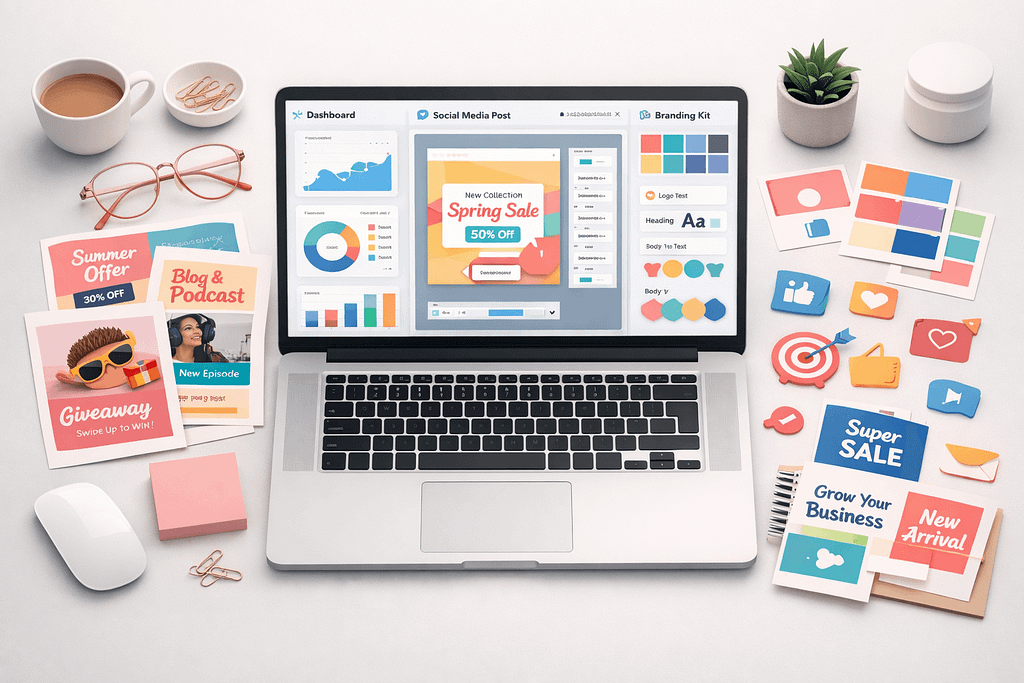
Canva is one of the most popular online design tools for non-designers and professionals alike. However, it’s not always the best fit for every workflow, budget, or creative need. Whether you’re looking for more advanced features, better branding control, or a free alternative, there are strong options available.
Below is a curated list of the best Canva alternatives for design in 2026 — including tools for social media graphics, branding, UI/UX, marketing materials, and professional layouts.
Why Look for a Canva Alternative?
Before choosing a tool, consider why you might need an alternative:
- More advanced design control
- Better collaboration features
- Stronger branding systems
- Offline capabilities
- More professional publishing tools
- Lower cost for teams
Different tools solve different problems. Here are the best options depending on your goals.
1. Adobe Express
Adobe Express is Adobe’s simplified design platform aimed at marketers, entrepreneurs, and content creators.
Best for:
- Social media graphics
- Quick marketing assets
- Users familiar with Adobe ecosystem
Pros:
- Integrated with Adobe Creative Cloud
- High-quality templates
- Strong brand kit features
Cons:
- Some advanced features require paid plans
- Less intuitive than Canva for beginners
If you already use Photoshop or Illustrator, Adobe Express integrates smoothly into your workflow.
2. VistaCreate
VistaCreate (formerly Crello) is a strong Canva competitor with a focus on animated content.
Best for:
- Animated social posts
- Ads and banners
- Small business marketing
Pros:
- Large template library
- Animation tools included
- Affordable pricing
Cons:
- Fewer advanced layout controls
- Limited professional publishing features
VistaCreate is particularly strong for businesses that rely heavily on visual marketing.
3. Figma
Figma is primarily known as a UI/UX design tool but is increasingly used for social media and branding.
Best for:
- UI/UX design
- Collaborative teams
- Design systems
Pros:
- Real-time collaboration
- Advanced vector editing
- Component-based systems
Cons:
- Steeper learning curve
- Less template-driven than Canva
Figma is ideal if your focus is product design or structured branding systems rather than quick template edits.
4. Affinity Designer
Affinity Designer is a professional desktop design tool and a strong alternative to Illustrator.
Best for:
- Professional vector design
- Branding and logo design
- Offline work
Pros:
- One-time purchase (no subscription)
- Professional-grade tools
- High performance
Cons:
- Not web-based
- No built-in template marketplace
If you want full design control without recurring fees, Affinity Designer is a serious option.
5. Snappa
Snappa focuses on speed and simplicity.
Best for:
- Bloggers
- Content marketers
- Simple graphics
Pros:
- Extremely easy to use
- Fast export
- Clean interface
Cons:
- Limited advanced features
- Smaller template collection
Snappa works well for creators who prioritize speed over complexity.
6. Piktochart
Piktochart specializes in infographics and data visualization.
Best for:
- Reports
- Presentations
- Infographics
Pros:
- Strong data visualization tools
- Business-oriented templates
- Professional presentation formats
Cons:
- Not ideal for complex branding
- Less flexible for free-form design
If your website content includes data-heavy posts or reports, Piktochart may be a better fit than Canva.
7. Visme
Visme combines marketing design and presentation features.
Best for:
- Interactive presentations
- Marketing teams
- Corporate content
Pros:
- Interactive elements
- Brand management features
- Team collaboration
Cons:
- Interface can feel heavy
- Higher pricing tiers
Visme is often used by businesses needing structured, branded content at scale.
How to Choose the Best Canva Alternatives
When selecting a design platform, consider:
1. Your Use Case
- Social media → VistaCreate, Snappa
- UI/UX → Figma
- Professional branding → Affinity Designer
- Reports & infographics → Piktochart
2. Your Budget
- One-time payment → Affinity Designer
- Free plans → Figma, Adobe Express (limited)
- Affordable subscription → VistaCreate
3. Collaboration Needs
- Real-time teamwork → Figma
- Marketing teams → Visme
Final Thoughts
Canva remains a strong all-around tool, but it is not the only option. The best Canva alternative depends on your workflow:
- For structured design systems → Figma
- For professional vector control → Affinity Designer
- For marketing-focused content → VistaCreate or Adobe Express
- For data-driven visuals → Piktochart
Evaluate based on control, collaboration, pricing, and long-term scalability.
If you are building a WordPress site, integrating your design tool with your content strategy is more important than simply choosing the most popular platform.


Pingback: Best AI Tools for Designers (2026 Guide)